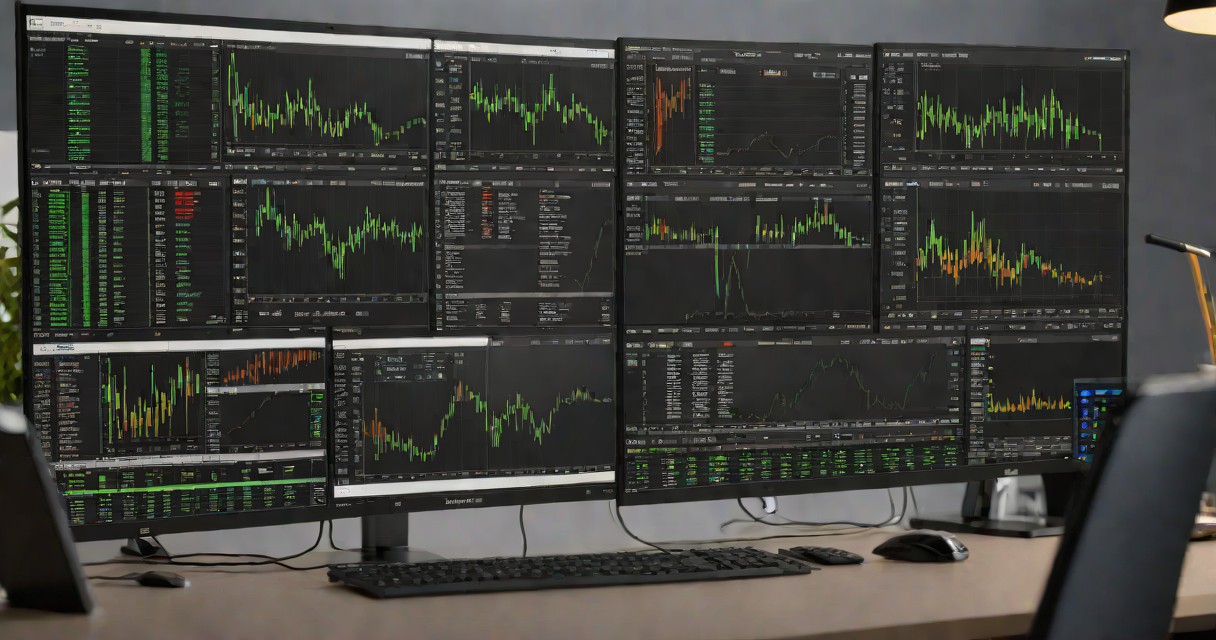
MetaTrader 4 and MetaTrader 5 are the two most widely used retail trading platforms in the world, and choosing between them is one of the first decisions every new trader faces. MT4 launched in 2005 and built a massive ecosystem of custom indicators and Expert Advisors. MT5 arrived in 2010 with more features, faster processing, and multi-asset support. This guide compares every meaningful difference so you can make an informed choice.
Table of Contents
Platform Overview
MetaTrader 4 (MT4) was developed by MetaQuotes Software in 2005 and quickly became the industry standard for retail forex trading. Its simplicity, stability, and massive library of third-party tools made it the default choice for millions of traders worldwide. MT4 uses the MQL4 programming language for custom indicators and automated trading through Expert Advisors (EAs).
MetaTrader 5 (MT5) was released in 2010 as a complete rewrite, not an upgrade. MT5 uses the more powerful MQL5 language, supports additional asset classes beyond forex (stocks, futures, options), offers more timeframes and order types, and provides significantly faster backtesting. Despite being newer, MT5 took years to gain adoption because traders were reluctant to abandon their MT4 tools and EAs.
As of 2026, the balance has shifted decisively toward MT5. MetaQuotes stopped issuing new MT4 broker licenses in 2022, and most new brokers exclusively offer MT5. However, established brokers like XM and Exness continue to support both platforms.
Feature Comparison Table
| Feature | MT4 | MT5 |
|---|---|---|
| Timeframes | 9 | 21 |
| Pending Order Types | 4 | 6 |
| Built-in Indicators | 30 | 38 |
| Graphical Objects | 31 | 44 |
| Economic Calendar | No | Yes (built-in) |
| Depth of Market | No | Yes |
| Multi-threaded Backtesting | No (single thread) | Yes |
| Hedging + Netting | Hedging only | Both |
| Programming Language | MQL4 | MQL5 |
| Asset Classes | Forex, CFDs | Forex, stocks, futures, options, CFDs |
| 64-bit Support | No (32-bit) | Yes |
Timeframes and Charts
MT4 offers 9 timeframes: M1, M5, M15, M30, H1, H4, D1, W1, and MN. These cover the basics for most strategies but leave gaps. If you want a 2-hour or 8-hour chart, you need a custom indicator or workaround.
MT5 provides 21 timeframes including M2, M3, M4, M6, M10, M12, M20, H2, H3, H6, H8, and H12 in addition to all MT4 timeframes. This granularity is valuable for multi-timeframe analysis. A swing trader can check the H8 chart for the primary trend, drop to H2 for entries, and use M20 for precise timing without relying on third-party tools.
Order Types
MT4 supports 4 pending order types: Buy Limit, Sell Limit, Buy Stop, and Sell Stop. These cover most standard trading scenarios.
MT5 adds Buy Stop Limit and Sell Stop Limit orders. These advanced order types place a limit order only after price reaches a specified stop level. This is particularly useful for breakout strategies where you want to enter at a better price after the breakout confirms, rather than chasing with a simple stop order.
Indicators and Analysis Tools
MT4 comes with 30 built-in technical indicators and 31 graphical objects. Its real strength lies in the community: thousands of free and paid custom indicators are available on MQL4.com and trading forums. After 20 years, virtually every indicator concept has been coded for MT4.
MT5 includes 38 built-in indicators and 44 graphical objects. Its built-in economic calendar is a standout feature, displaying scheduled news events directly on the chart so you can see exactly when high-impact data releases align with your technical setups. The MQL5 marketplace is growing rapidly but still has fewer third-party tools than MT4.
Backtesting and Strategy Tester
This is where MT5 dominates. MT4's strategy tester runs on a single CPU thread and can only test one currency pair at a time. Backtesting a year of tick data on MT4 can take hours.
MT5's strategy tester is multi-threaded, utilizing all your CPU cores simultaneously. The same backtest that takes 3 hours on MT4 might complete in 20 minutes on MT5. MT5 also supports multi-currency testing, allowing you to test portfolio strategies and correlation-based EAs that trade multiple pairs simultaneously. For anyone developing or optimizing automated strategies, MT5 is the clear winner.
Speed and Performance
MT5 is built as a 64-bit application and can access more system memory than the 32-bit MT4. This matters when running multiple charts, indicators, and Expert Advisors simultaneously. MT4 is limited to approximately 2 GB of RAM, which can cause slowdowns or crashes when heavily loaded.
MT5's memory management and data compression are also more efficient. Chart loading is faster, historical data downloads are quicker, and the overall platform feels more responsive, especially on modern hardware with 8+ GB RAM and SSD storage.
Which Should You Choose?
Choose MT4 if: You already have MT4 Expert Advisors or custom indicators that you rely on and cannot find MT5 versions. You trade forex only and do not need stocks or futures. You prefer maximum third-party tool availability.
Choose MT5 if: You are starting fresh with no existing MT4 tools. You want to trade stocks, futures, or multiple asset classes alongside forex. You develop and backtest automated strategies. You want the built-in economic calendar and Depth of Market.
Our recommendation for Indian traders: If you are new to trading, start with MT5. It is the future of the MetaTrader ecosystem, performs better, and gives you access to everything MT4 does plus more. Both Exness and XM offer MT5 with Indian payment methods including UPI.
Frequently Asked Questions
Is MT5 better than MT4?
MT5 is technically superior with 21 timeframes vs 9, more order types, built-in economic calendar, and faster backtesting. However, MT4 remains better for traders who rely on specific MT4-only Expert Advisors or custom indicators that have not been ported to MT5.
Can I use MT4 indicators on MT5?
No. MT4 uses MQL4 programming language and MT5 uses MQL5. They are not compatible. Indicators and Expert Advisors must be rewritten or converted to work on the other platform. Many popular indicators have versions available for both platforms.
Which brokers offer both MT4 and MT5?
Most major brokers including XM, Exness, and AvaTrade offer both MT4 and MT5. You can usually choose your platform when opening an account or run both simultaneously with separate logins.
Is MT4 being discontinued?
MetaQuotes stopped selling new MT4 licenses to brokers in 2022 but continues to support existing installations. MT4 is not being discontinued for traders. However, new brokers entering the market only offer MT5, and the long-term trend favors MT5 adoption.