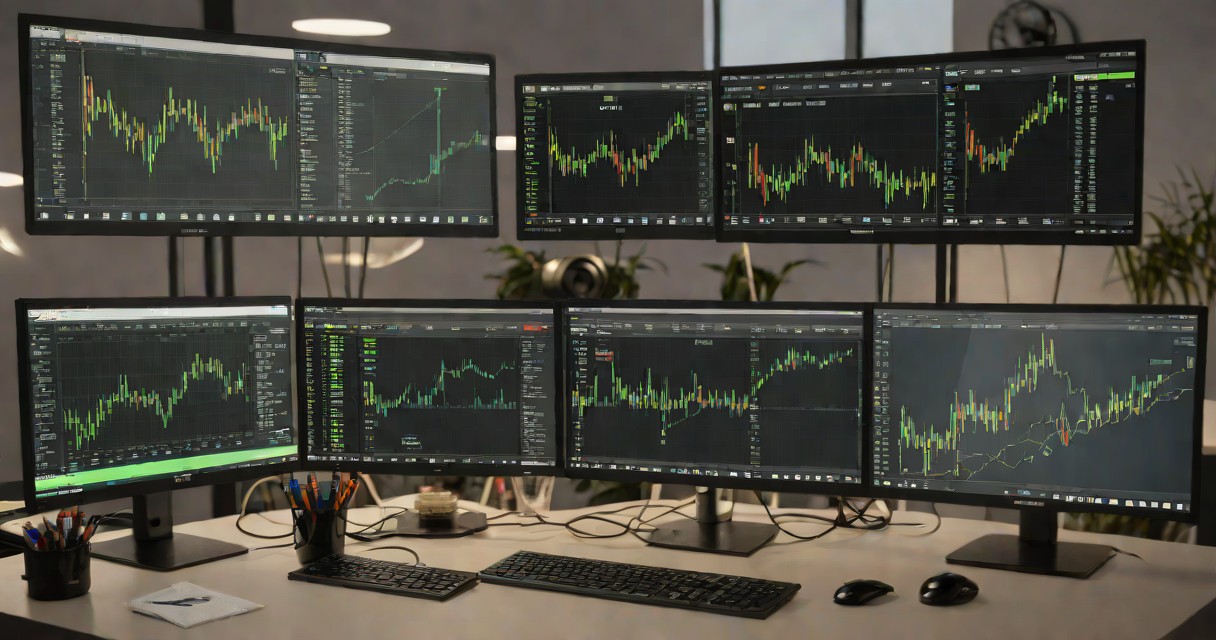
MetaTrader 5 is the platform of choice for Indian traders accessing international forex markets. This guide covers the complete MT5 setup process optimized for Indian conditions: IST timezone configuration, INR account connection, chart templates for Indian trading hours, and mobile optimization for trading on Indian networks. For a detailed breakdown of fees and features, see our XM broker review for Indian traders.
Installation and Account Connection
Download MT5 from your broker's website (Exness MT5 comes pre-configured). Install on Windows, Mac, or download mobile app from Play Store/App Store. Enter your account credentials. For Indian traders using Exness, the account will reflect your INR deposit converted to USD.
IST Configuration
Set charts to IST (GMT+5:30) for easy alignment with Indian economic data releases and RBI announcements. Create saved templates for each trading session: Asian Session (09:00-14:00 IST) for USD/JPY; London Session (13:30-21:30 IST) for EUR/USD; and US Session (19:00-01:30 IST) for news trading. See our mobile app review for app-specific guidance.
Essential Setup for Indian Traders
Enable one-click trading for speed. Set default lot size to 0.01 (micro) for safety. Add 50/200 EMA and RSI 14 to your chart template. Configure push notifications for price alerts on key USD/INR levels and your primary trading pairs. Save your workspace as a profile for quick loading. For strategy guidance, see our intraday strategies and broker review.
Advanced Platform Configuration
Configure MT5 for Asian session efficiency. Create dedicated chart profiles: a Tokyo scalping profile with M1/M5 charts on JPY pairs, an Asian swing profile with H4/Daily charts on AUD and NZD crosses, and a central bank event profile with M15 charts centred on your most-traded Asian instruments. Profile switching from the File menu eliminates the time wasted reconfiguring charts for each market phase.
Boost MT5 for Asian session analysis by installing custom indicators from the MQL5 Market. Particularly helpful are VWAP for measuring session value on JPY and AUD pairs, candlestick pattern scanners for rapid signal detection, multi-timeframe panels that display Asian pairs across timeframes, and trade management tools that automate stop trailing during overnight positions.
For Asian session EA traders, the MT5 Strategy Tester validates automated strategies against historical data specific to your trading hours. Use visual mode to observe how the EA handles typical Asian range conditions and sudden BOJ-driven breakouts. Run a minimum 30-day demo test before deploying live, and check performance daily — Asian session liquidity profiles shift with holidays, quarter-end flows, and policy changes. You may also find our top forex brokers for Asian traders helpful.
Mobile Trading Optimization
Set up MT5 mobile for Asian session efficiency: preload your most-traded Asian pairs in the Favorites tab and configure the default lot size to match your standard position. When a BOJ headline breaks at 2 AM and you reach for your phone, you need instant access to the right instrument at the right size — not a frantic scroll through dozens of symbols.
Push notifications are essential for Asian session traders operating across time zones. Set price alerts at key levels on your primary Asian pairs and configure notifications for order fills and margin warnings. If you are sleeping during part of the session, these alerts are your safety net for significant moves. Test the system by placing a near-price alert and verifying it triggers on all your devices.
Building Long-Term Trading Success
Consistent returns in Asian session trading come not from a magical indicator but from a disciplined system — a backtested strategy, rigorous risk control, and a relentless pursuit of improvement. The traders who profit year after year in Tokyo and Sydney hours treat their craft as a serious profession: they study market behaviour, audit their own decisions, and execute with precision regardless of how they feel.
Focus on a single strategy, one Asian pair, and one session window to start. This concentrated approach prevents the confusion of juggling multiple setups across different markets and builds genuine expertise in a specific price behaviour. After 100-plus trades over three to six months confirm your edge, gradually add pairs or strategies — always maintaining the same structured, disciplined process.
Document every Asian session trade in detail. Record the entry rationale, your alertness level (crucial for odd-hour trading), your emotional state, and what you would change in retrospect. Reviewing this journal weekly uncovers patterns you cannot detect live — maybe you take worse trades after midnight, or you hesitate on breakouts during Tokyo open. This self-awareness loop is what separates long-term winners from the majority who wash out.
Asian markets have their own rhythm. Success comes from understanding local market hours, regional regulations, and the currency pairs that move during your session. For more on this topic, see our forex broker guide for Asia.
Set honest return expectations. Professional Asian session traders typically target 2-5% per month, with flat or negative months built into the plan. Advertisements promising 50% monthly returns are either misleading or outright scams. Approach trading as a compounding skill that builds wealth across years — not a fast track to riches. Realistic expectations insulate you from the emotional spiral that leads to blown accounts.
Common Mistakes to Avoid
Overtrading is especially tempting during quiet Asian sessions when setups are scarce and boredom sets in. Resist the urge to force trades that do not meet your criteria. Experienced traders recognise that standing aside during a low-quality session preserves capital for the higher-probability opportunities that Tokyo and Sydney regularly produce. Learning to wait — truly wait — is one of the most profitable skills an Asian session trader can develop.
Neglecting the economic calendar is particularly dangerous during Asian sessions, where BOJ rate decisions, Australian employment data, and Chinese PMI releases can whipsaw thinly-traded pairs in seconds. Check the calendar before your session begins and avoid opening new positions within 30 minutes of high-impact events. For existing positions, tighten stops or bank partial profits before the data lands.
Risk concentration is an underappreciated killer in Asian session trading. Holding multiple JPY short positions — USD/JPY, AUD/JPY, GBP/JPY — is essentially one large anti-yen bet. Treat highly correlated pairs as a single risk unit and ensure that your combined exposure across correlated positions remains below 3-5% of equity. One BOJ intervention can move them all simultaneously.
The 3 tools I use to trade crypto in India
Bitget for execution (FIU-IND registered, automatic tax statements). MEXC for altcoin access (2,800+ tokens, India accepted). Koinly for 30% VDA tax + 1% TDS compliance. The stack built around India's regulatory reality.
See My India StackFrequently Asked Questions
Is MT5 available for Indian traders?
Yes, MT5 is freely available for Indian traders through international brokers like Exness. Download from the broker's website or app stores.
Can I set MT5 to Indian Standard Time?
Yes, adjust the timezone in MT5 settings. Some brokers default to server time, but you can add an IST clock and configure alerts in IST for Indian economic events. For more on this topic, see our AvaTrade review.
Does MT5 work well on Indian mobile networks?
MT5 mobile works well on 4G/LTE networks common in Indian cities. 3G connections may experience occasional delays. Use Wi-Fi for analysis and mobile data for execution.
Can I trade Indian stocks on MT5?
MT5 through international brokers focuses on forex, commodities, and CFDs. For Indian stock trading, use platforms provided by SEBI-registered stockbrokers like Zerodha, Upstox, or Angel One.
Risk Disclaimer: Trading involves high risk. Educational content only. Contains affiliate links.